
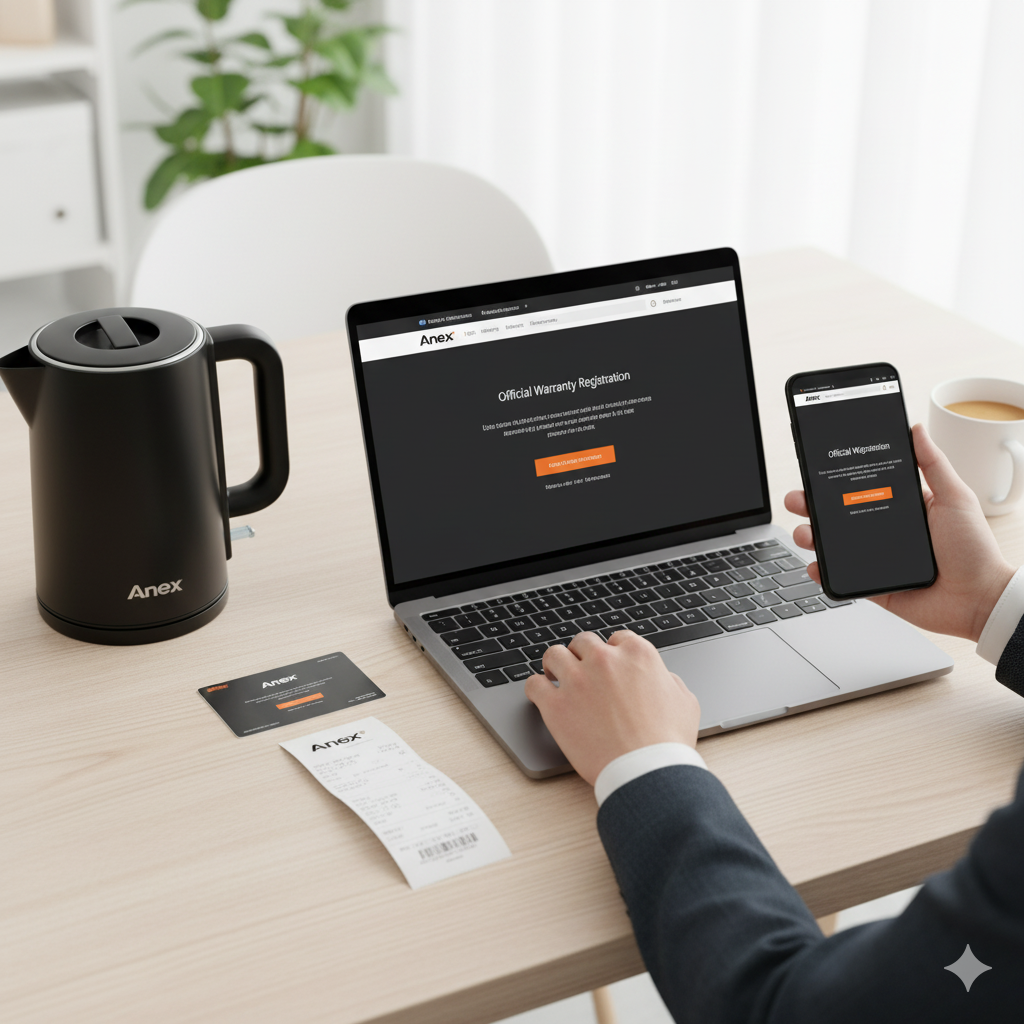
How to Check Anex Warranty (Online & Offline Methods)
Bought a new Anex appliance and want to confirm its warranty status? Whether it’s an Anex blender, air fryer, or electric kettle, checking your warranty is quick and easy. In this guide, you’ll learn how to verify your Anex warranty using different methods — online, offline, or through customer service — so you can ensure your appliance is covered for repairs or replacements.
Understanding Anex Warranty Policy
- Most Anex home appliances come with a 1-year official warranty from the date of purchase.
- The warranty covers manufacturing defects, electrical faults, or component issues.
- It does not cover physical damage, misuse, or tampering by unauthorized repair services.
- Always keep your original purchase receipt and warranty card — they’re required for any warranty claim.
- Warranty terms may vary slightly based on the product category and region, so always double-check your manual or contact Anex support for details.
How to Check Anex Warranty (Step-by-Step Guide)
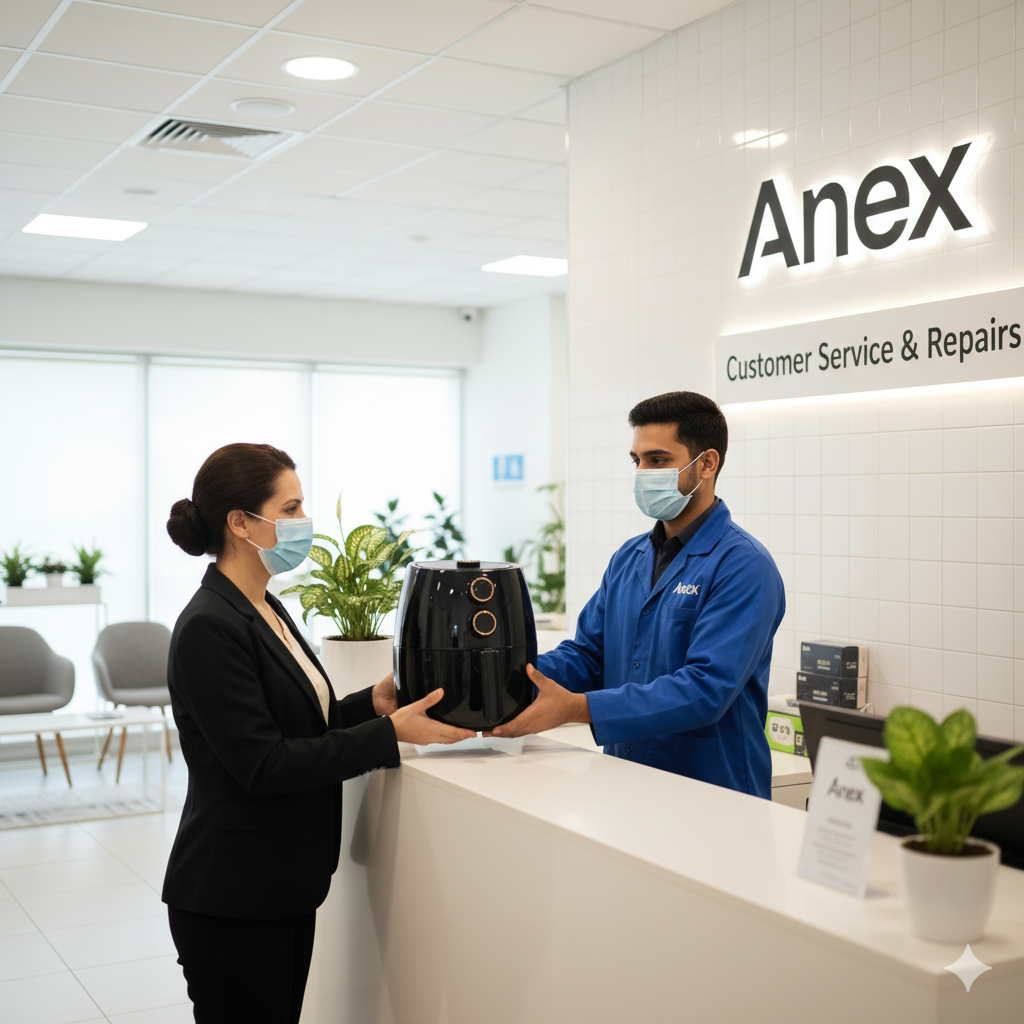
Step 1 – Locate Your Product Details
Before checking your warranty, gather the following information:
- Model number: Usually printed on the box, user manual, or under the appliance.
- Serial number: Needed for product registration or verification.
- Purchase date and invoice: Proof of purchase is essential for any warranty claim.
Having these details ready will make the warranty verification process faster and smoother.
Step 2 – Visit the Official Anex Website
- Go to www.anex.com.pk.
- Navigate to the “Customer Support” or “Warranty” section.
- Look for options such as “Warranty Check” or “Register Product.”
- Enter your product details to verify coverage.
Note: If no online warranty checker is available, proceed to the next step for alternative methods.
Step 3 – Contact Anex Customer Support
If you can’t find warranty details online, reach out directly to the Anex customer service team.
You can contact them through:
- Email: info@anex.com.pk
- Phone: +92-21-111-ANEX (2639) or your local service number
Provide the representative with your product model, serial number, and purchase date, and they’ll confirm whether your item is under warranty.
Step 4 – Visit an Authorized Anex Service Center
If you believe your product needs servicing, visit the nearest authorized Anex service center.
Bring the following items:
- The original product
- Your warranty card
- The purchase receipt
The technicians will verify your warranty validity on-site and assist with repairs or replacements, depending on the issue.
How to Register Your Anex Product for Warranty
Registering your Anex appliance ensures you receive full warranty benefits and faster support in case of issues. Here’s how to do it:
- Visit the official Anex website: Go to www.anex.com.pk and open the Product Registration or Warranty Registration page.
- Enter product details: Fill in your model number, serial number, and purchase date exactly as shown on your box or receipt.
- Upload proof of purchase: Attach a scanned copy or photo of your invoice if requested for verification.
- Submit the form: Once submitted, you’ll receive a confirmation message via email or SMS confirming your product’s warranty activation.
💡 Tip: Registering your product right after purchase makes warranty claims easier and ensures timely customer support.
What’s Covered Under Anex Warranty
Anex offers coverage for manufacturing-related faults and technical defects during the warranty period. Here’s what’s typically included:
- Manufacturing or technical faults that affect normal operation.
- Internal component failures occurring under normal household usage.
- Factory defects identified during the official warranty period.
✅ Note: Warranty coverage and duration may vary slightly depending on the product category (e.g., kitchen appliances, grooming tools, etc.).
What’s Not Covered Under Warranty
Certain types of damage and misuse are not eligible for warranty repair or replacement. Avoid these to keep your warranty valid:
- Physical damage or breakage due to mishandling.
- Electrical surges, short circuits, or water damage.
- Damage caused by unauthorized or non-Anex service technicians.
- Missing purchase receipt or expired warranty period.
⚠️ Important: Always use original Anex accessories and parts to prevent accidental damage or warranty voiding.
Tips for Keeping Your Warranty Valid
To make sure your Anex warranty remains active and hassle-free, follow these important tips:
- Always buy from authorized Anex dealers to ensure genuine products and valid warranty coverage.
- Avoid self-repair or opening the appliance, as unauthorized tampering can void the warranty.
- Keep your original box, purchase receipt, and warranty card in a safe place for future claims.
- Register your product online immediately after purchase to activate your warranty and receive confirmation from Anex.
💡 Pro Tip: Take a photo of your receipt and warranty card as a digital backup in case you misplace the originals.
Frequently Asked Questions (FAQs)
Q1. How long is the Anex warranty valid?
Most Anex products include a 1-year official warranty from the date of purchase, though duration may vary depending on the product category.
Q2. Can I check my Anex warranty without a receipt?
While the receipt is preferred, you can sometimes verify warranty status using the serial or model number by contacting Anex customer support.
Q3. Is there online product registration for Anex?
Yes, you can register your Anex appliance online through the official website under the Warranty or Product Registration section.
Q4. Can I claim warranty if I bought from an online store?
Yes — as long as the online seller is an authorized Anex retailer and you have valid proof of purchase (invoice or order confirmation).
Q5. What should I do if my Anex product stops working within warranty?
Simply contact Anex customer service or visit your nearest authorized service center. Bring your product, warranty card, and receipt for repair or replacement under warranty terms.
Conclusion
Checking and maintaining your Anex warranty is simple and ensures long-term product reliability. Keep your receipt, warranty card, and serial number safe, and confirm your warranty online, through customer support, or at a service center for quick assistance.


Add comment